Day to day
Logging extra income
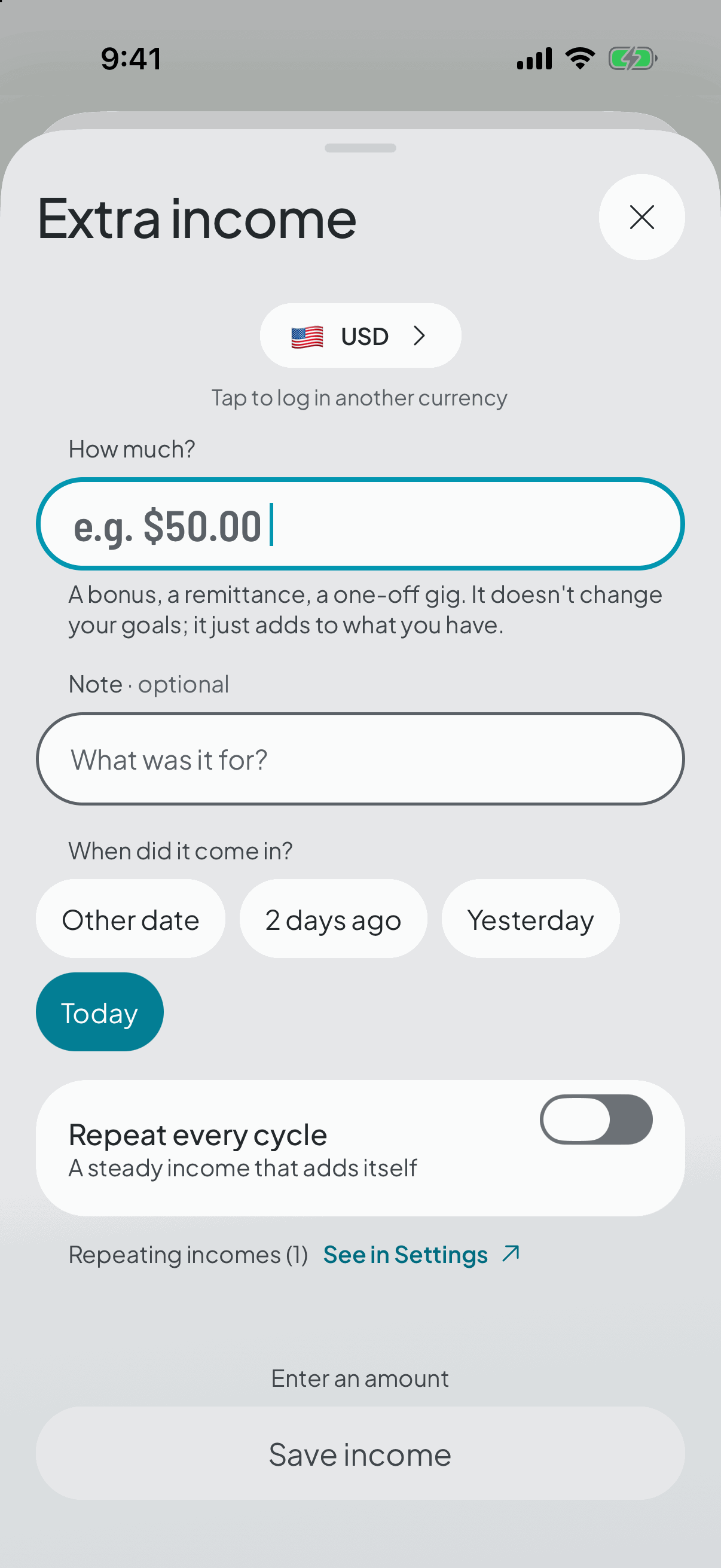
A transfer, a bit of freelance work, or money in another currency: it lifts what's available without touching the split you already made.
- 1
What counts as extra
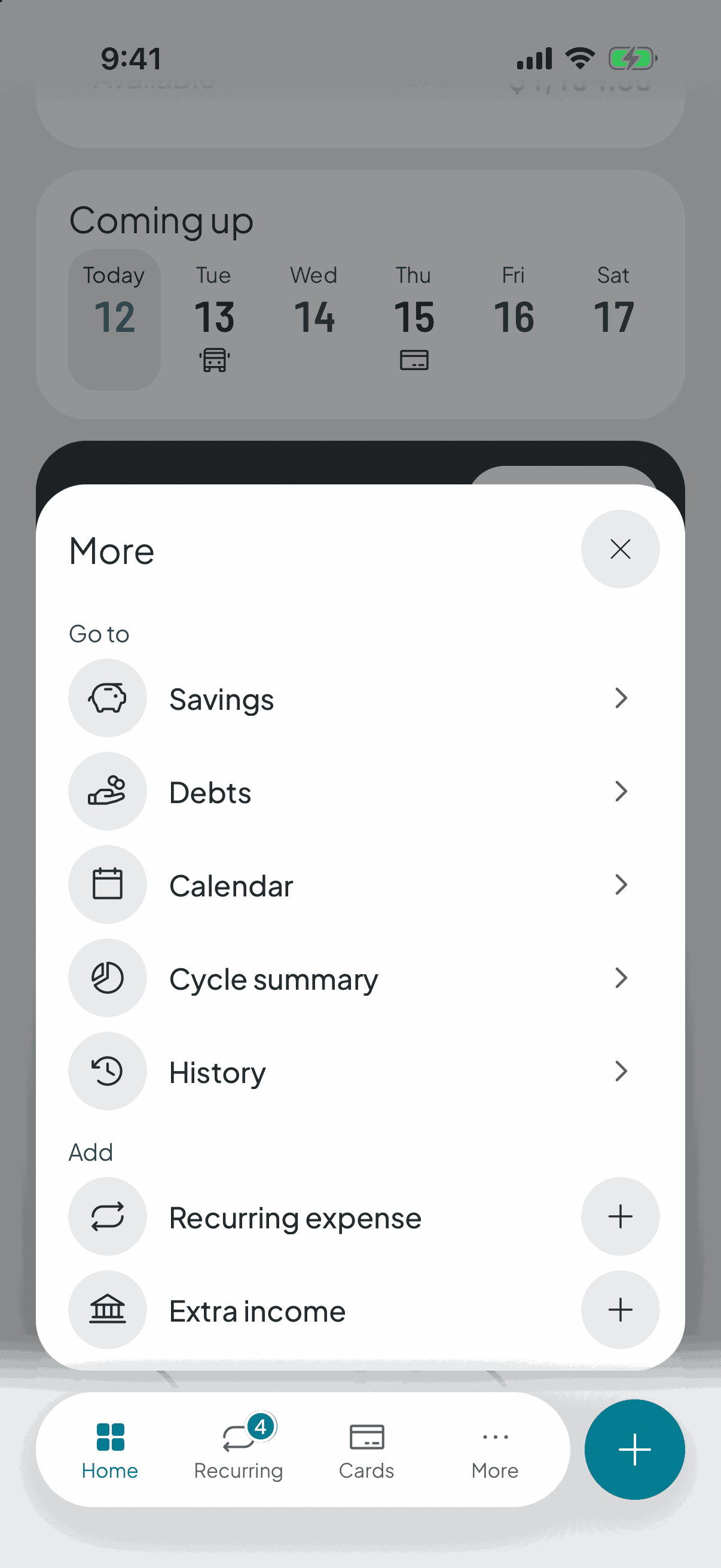
Your regular income is the one you declared when the cycle opened. Anything that arrives on top of it — a transfer from family, a one-off job, a refund, a loan being paid back — is logged separately.
- 2
It lifts what's available, it doesn't re-split
Logging it gives you more money for the cycle, but your category targets stay where they were. That's deliberate: a one-off bit of income shouldn't inflate your going-out budget forever.
And if you don't spend it, it doesn't vanish: it swells what's left over when the cycle closes.
If you'd rather that money had a job, raise a category's target from the split, or put some of it into savings.
- 3
If it arrives in another currency
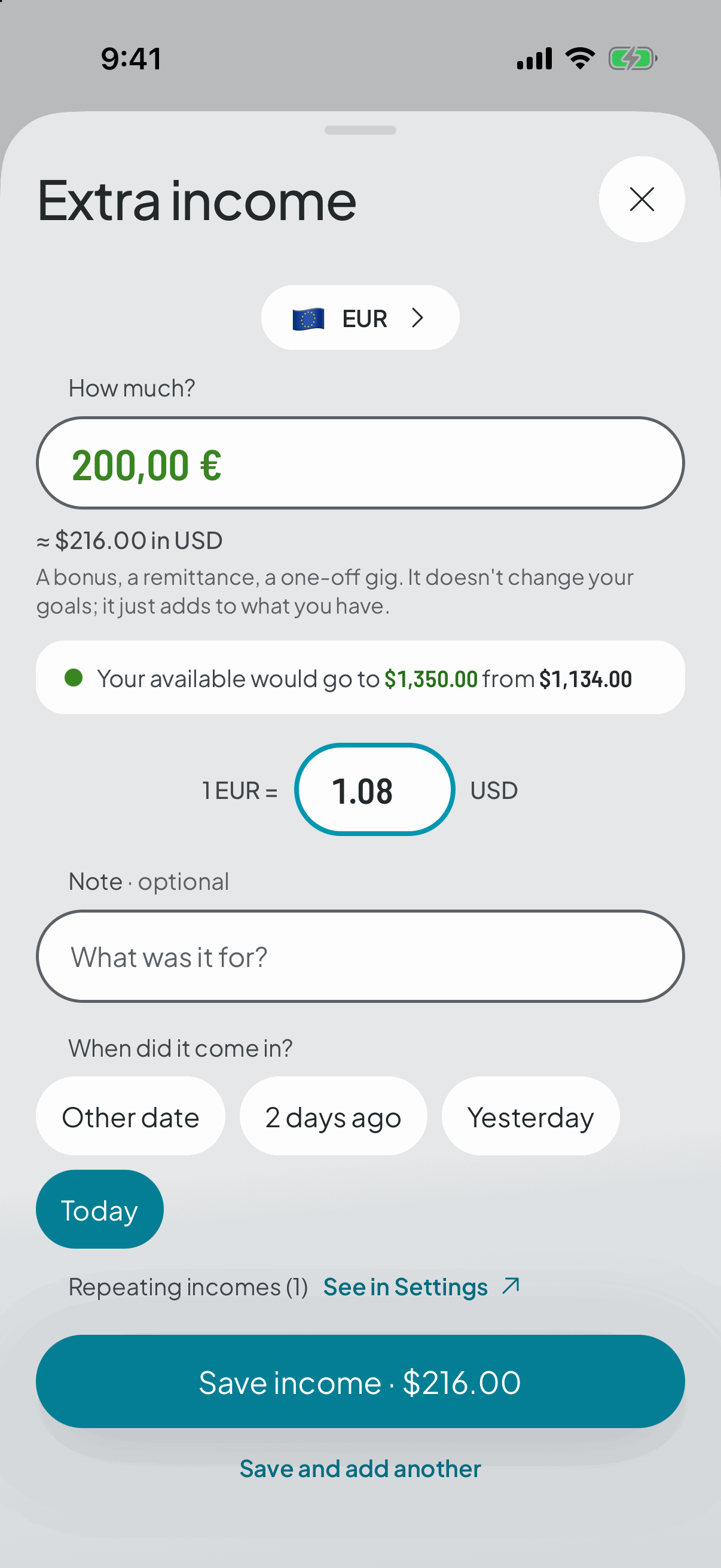
You pick the currency and type the original amount. The app asks for the rate and shows you the equivalent as you type, so you see what it turns into before saving.
It's stored converted into your currency, but with a snapshot of the original: how much, in what currency, at what rate. The rate can move tomorrow and that income still counts what it counted.