Setup
Your first cycle
What comes in, how you split it, and which day your cycle starts. By the end you know what you're working with until your next payday.
- 1
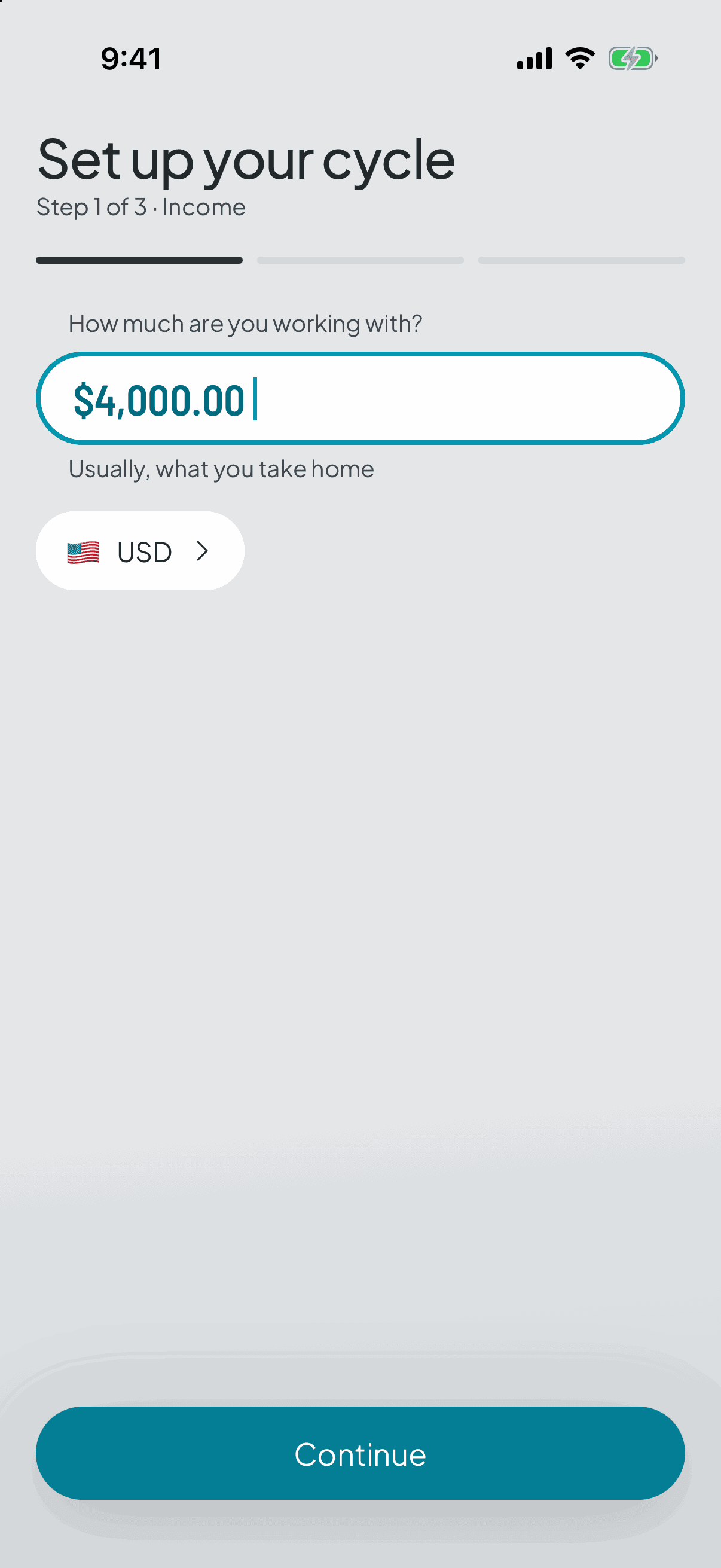
How much are you working with?
What you receive each time you're paid. Everything else comes off that number: the split, each category's target, and the figure the app shows you every morning.
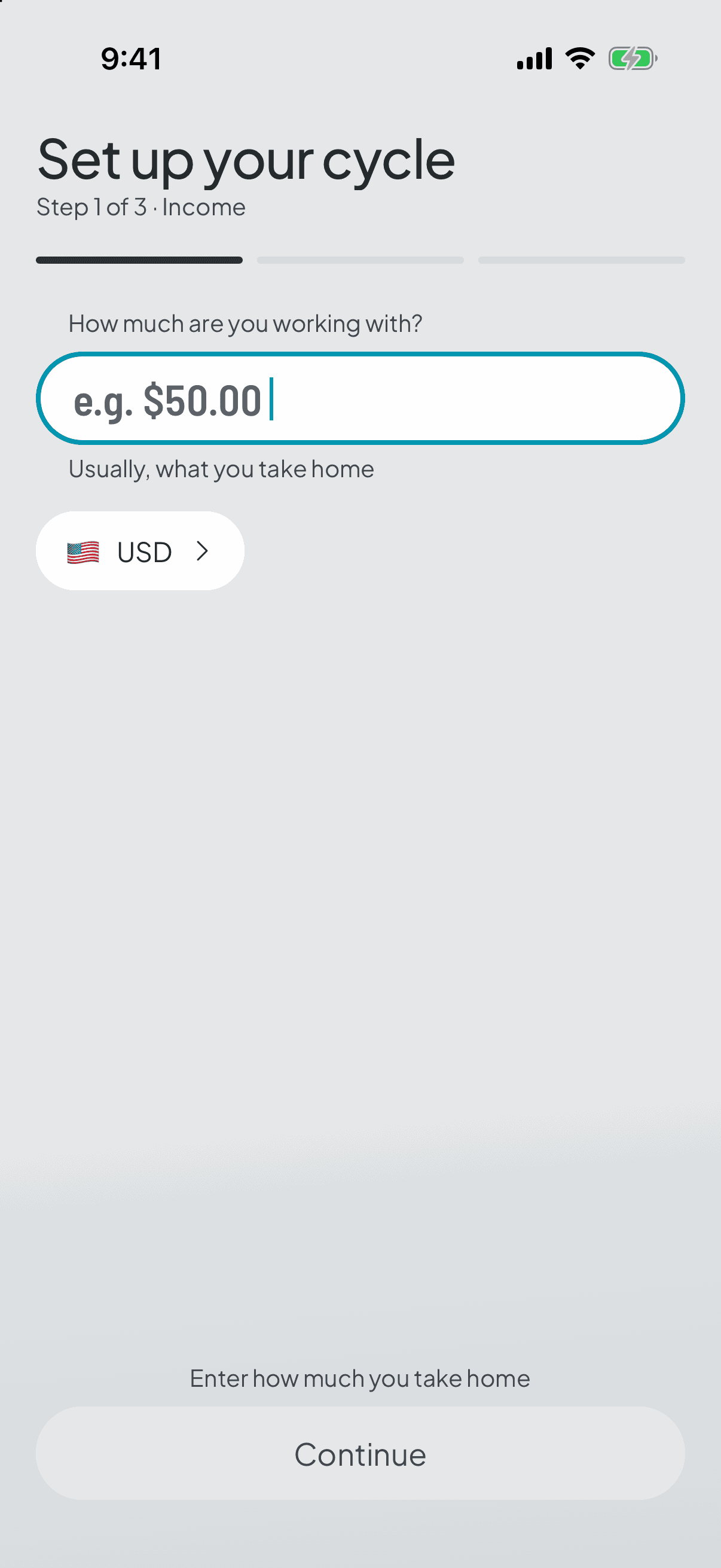
You type it as money, in your own numbers, and the app won't move on until there's one.
If money reaches you from several places, count only what always arrives. The one-offs, like a transfer from family or a bit of freelance work, have their own place: you log them as extra income when they turn up, and they lift what's available without touching the split.
- 2
Split up your money
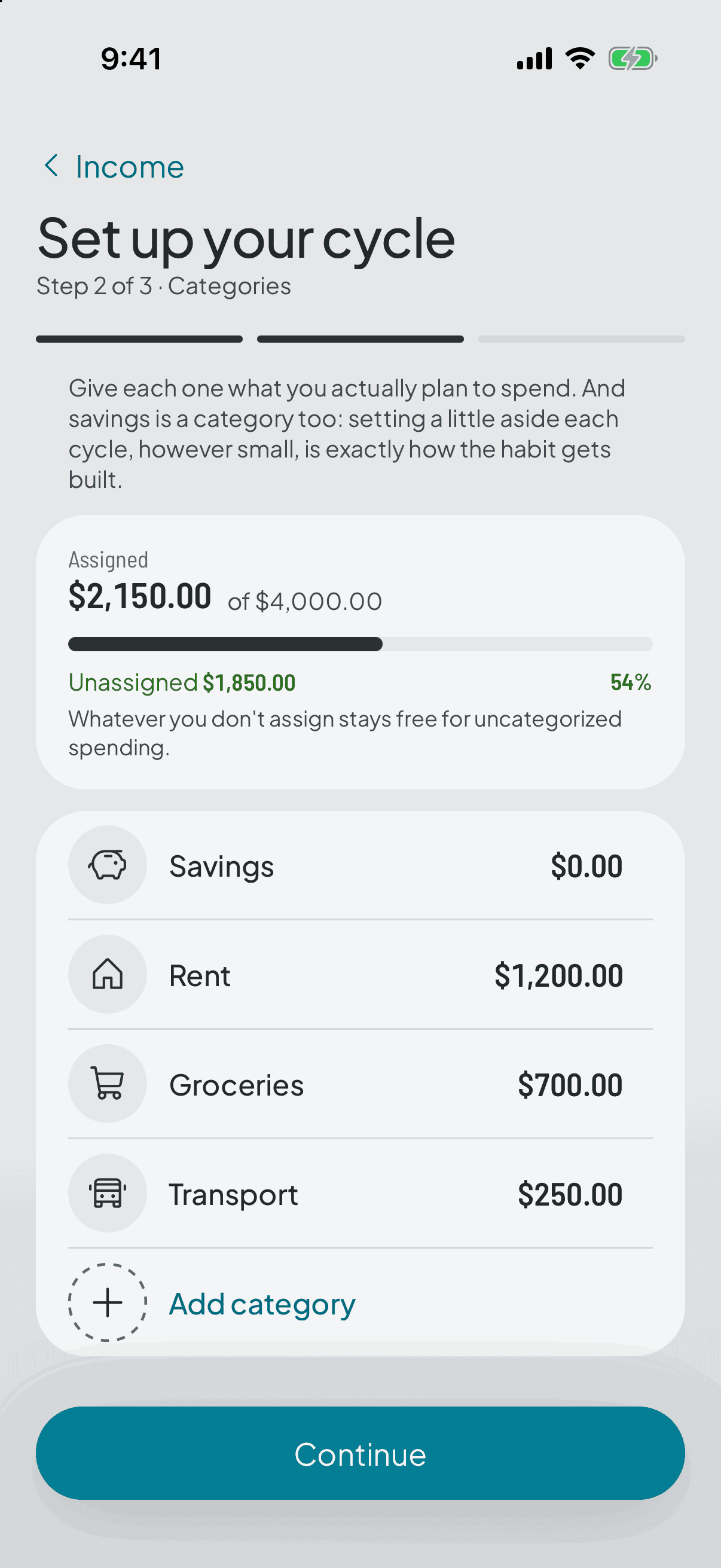
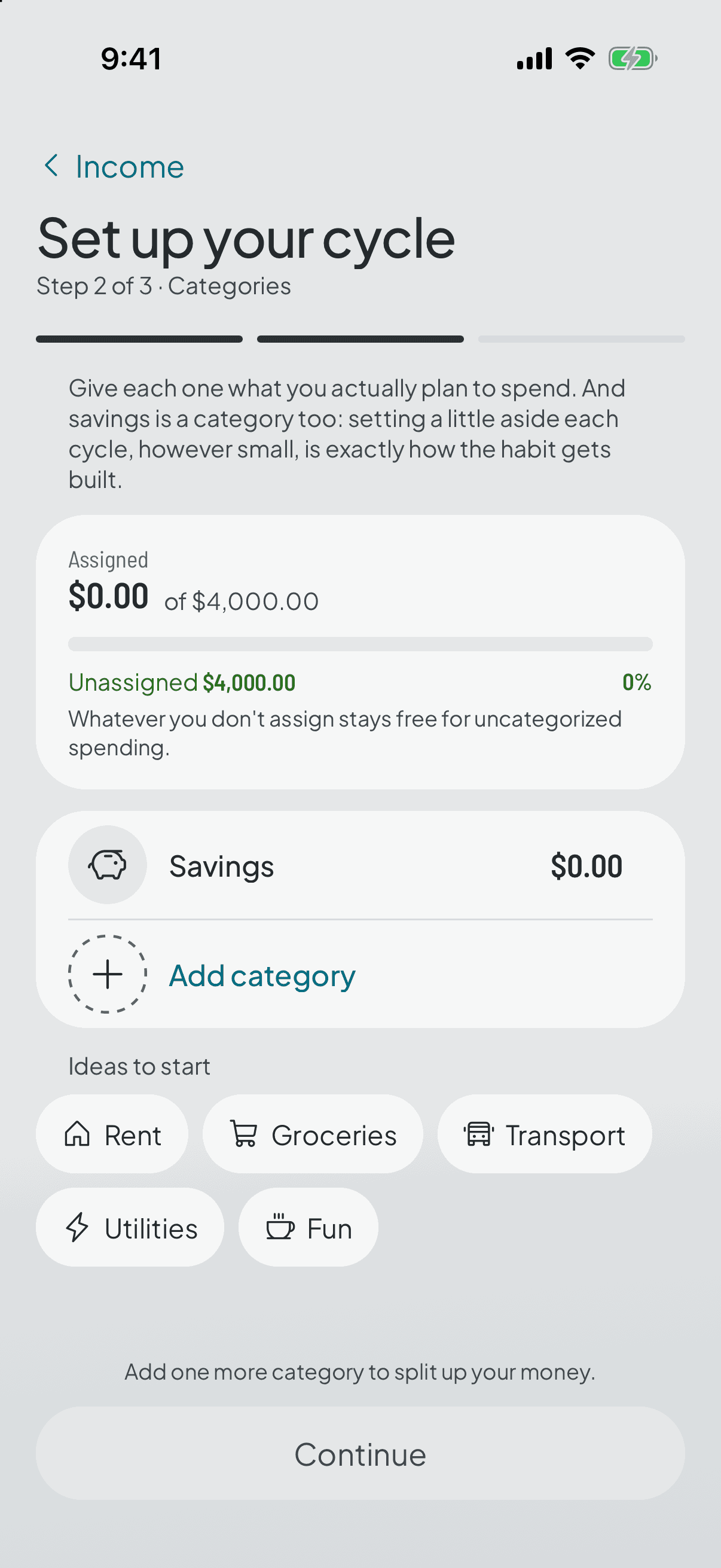
Savings is the only category already there; you build the rest yourself, each with its icon, its name and its amount, and the app asks for at least two before it lets you move on. That's deliberate: naming your own categories and typing your own money is exactly the habit this step teaches.
You give each one a figure, in money and never in percentages. It won't let you go past your income: while the total overshoots, you can't move on.
Start with the recurring things — rent, bills, transport — then the variable ones. And leave a little unassigned: that's what absorbs whatever nobody can see coming.
- 3
Set something aside for savings
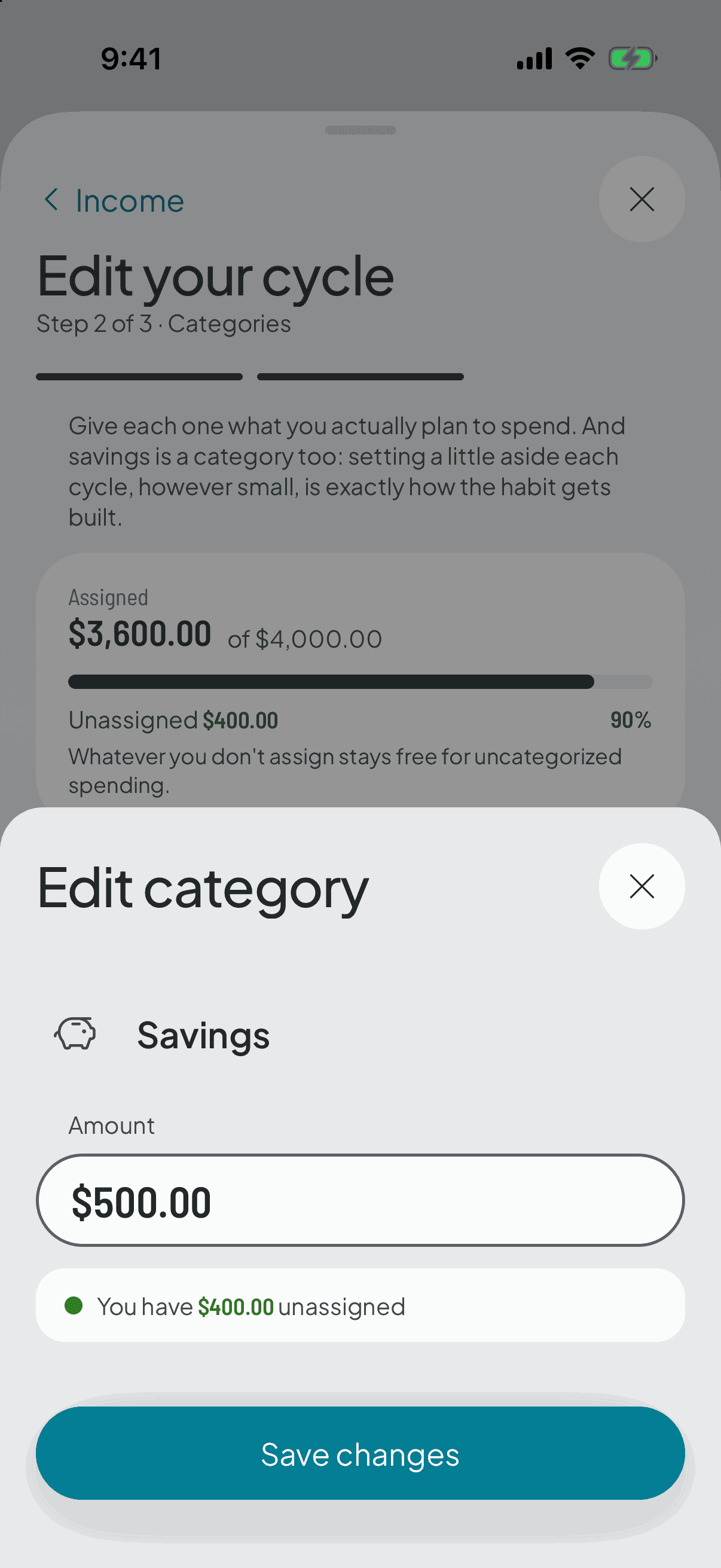
In that same split you can give savings an amount. It's another category with one difference: it doesn't reset between cycles, it accumulates.
You can even see it in the editor: every other category lets you change its name and icon, this one only its amount. The app won't let you dress it up as something else.
Whatever you assign it stops being available to spend this cycle, exactly like rent. That isn't a punishment: it's what stops you spending the same money twice.
- 4
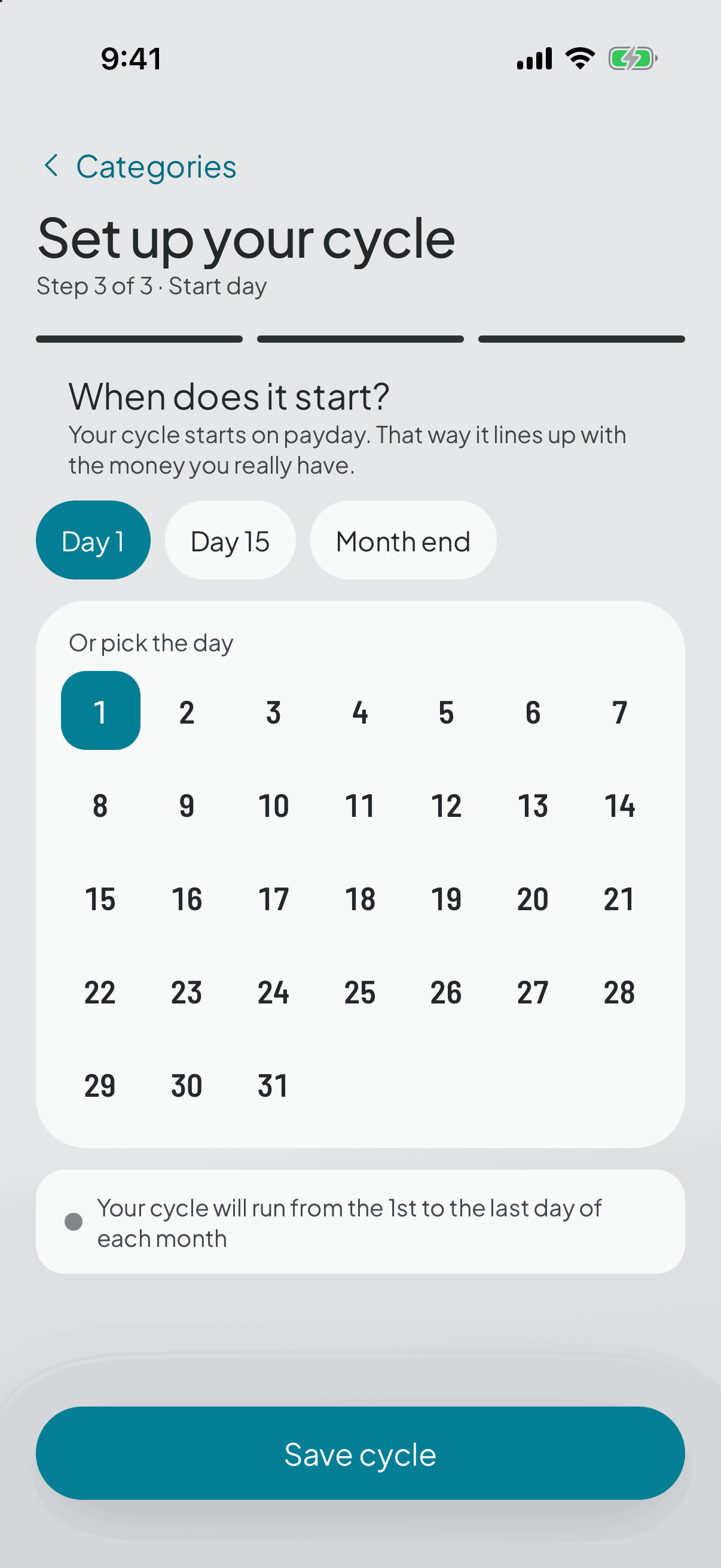
When does it start?
The last step, and the one that makes this app different: the day you get paid. If that's the 30th, your cycle runs from the 30th to the 30th, not from the 1st to the 31st.
You pick the number on the calendar, or use the shortcuts above. “Month end” is there for anyone paid on the last working day, which doesn't always land on the same number.
Paid twice a month? Pick the payday coming up next. Each half will be its own cycle.
- 5
Your cycle, ready
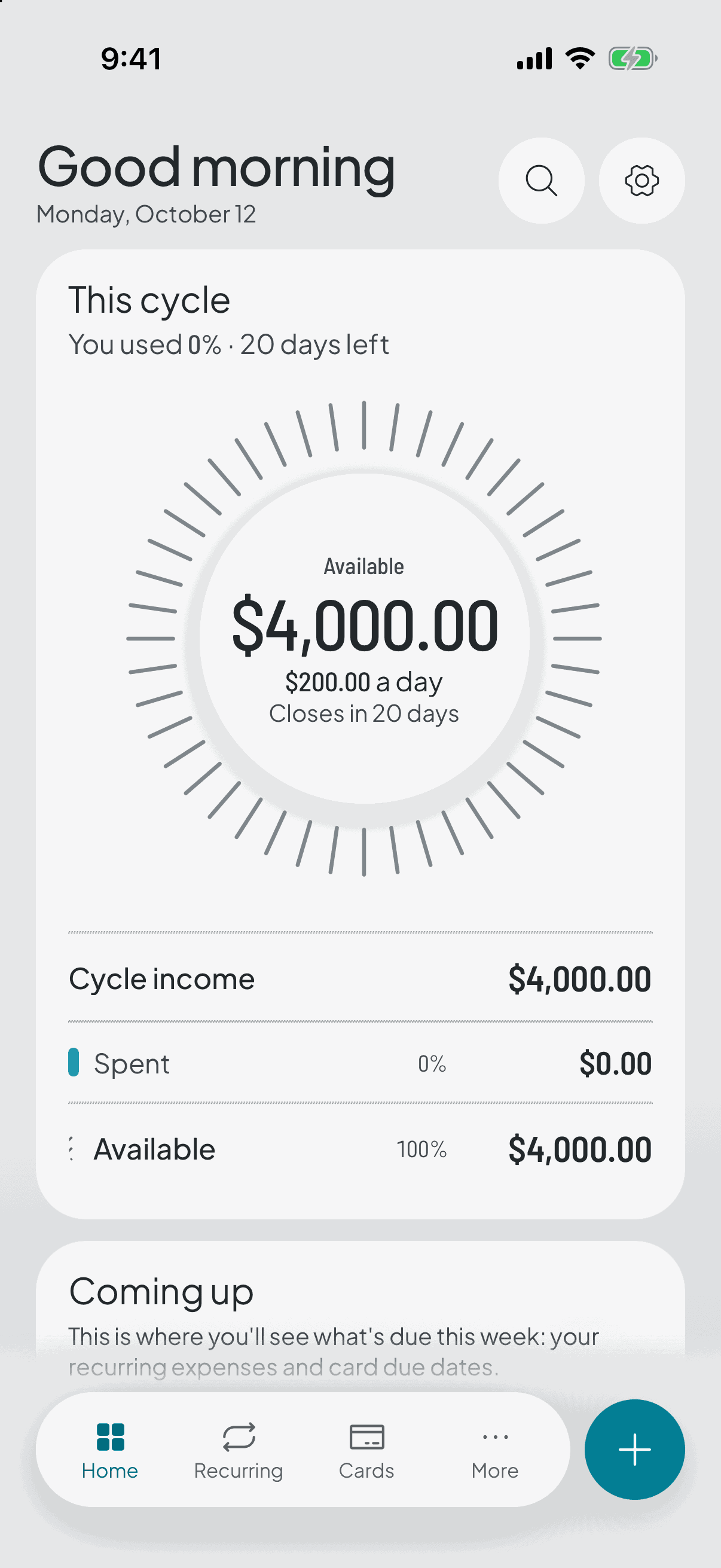
Saving leaves you on the home screen with the cycle in place: what you have left to spend, how many days until it closes, and your categories with the amounts you gave them.
Right there it invites you to log the first expense. From then on each one comes off its category and the figure at the top comes down. That's the whole daily job.
You don't have to log the moment you pay: catching up once a day works just as well. And if you got the split wrong, the split changes without closing the cycle.
Nor do you have to decide the category on the spot: type just the amount and the expense waits in Unsorted until you feel like filing it.